 HarperHire
From open role to a shortlist you trust
Four steps, and you stay in charge of each decision.
The workflow
- 1
Create your job
Add the role and the questions that matter. Harper uses them for every applicant.
- 2
Applicants interview by phone or recorded video
They follow the invitation and answer when it suits them, on a phone or computer.
- 3
Review the report and transcript
Read the summary, strengths, concerns to verify, scores, and the written answers.
- 4
Choose whom to meet
You decide who gets a call or a visit. Pro and Managed Hiring can add configured second interviews first.
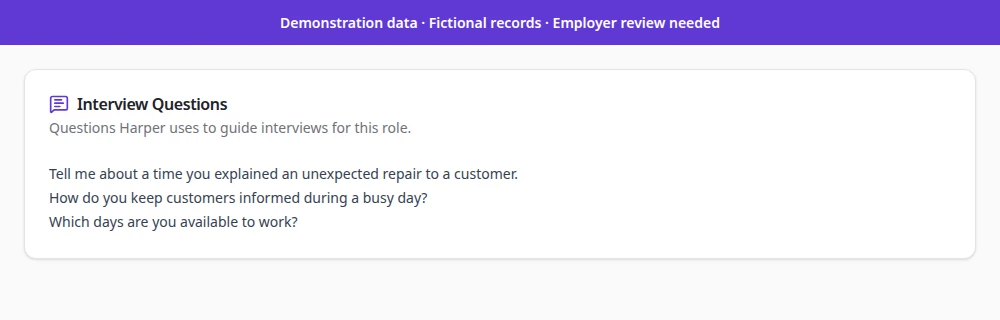
1. Create the job and its questions
Add the position, then review the interview questions Harper will ask. Every applicant for the job gets the same set.
2. Applicants interview their way
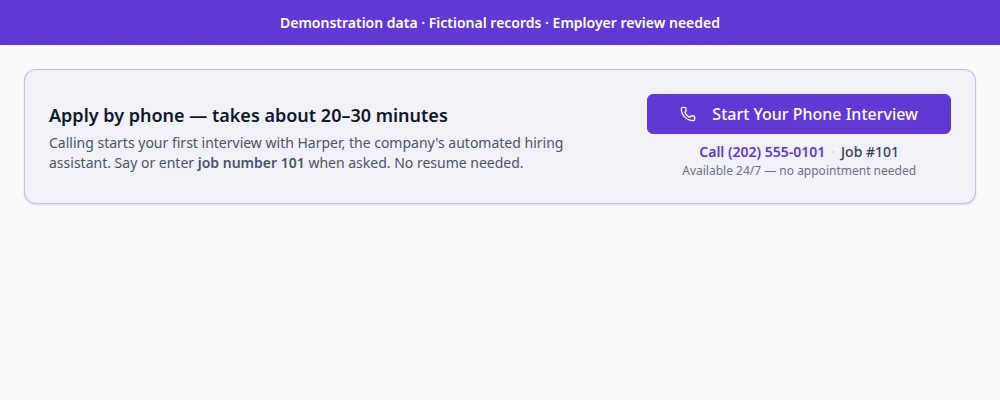
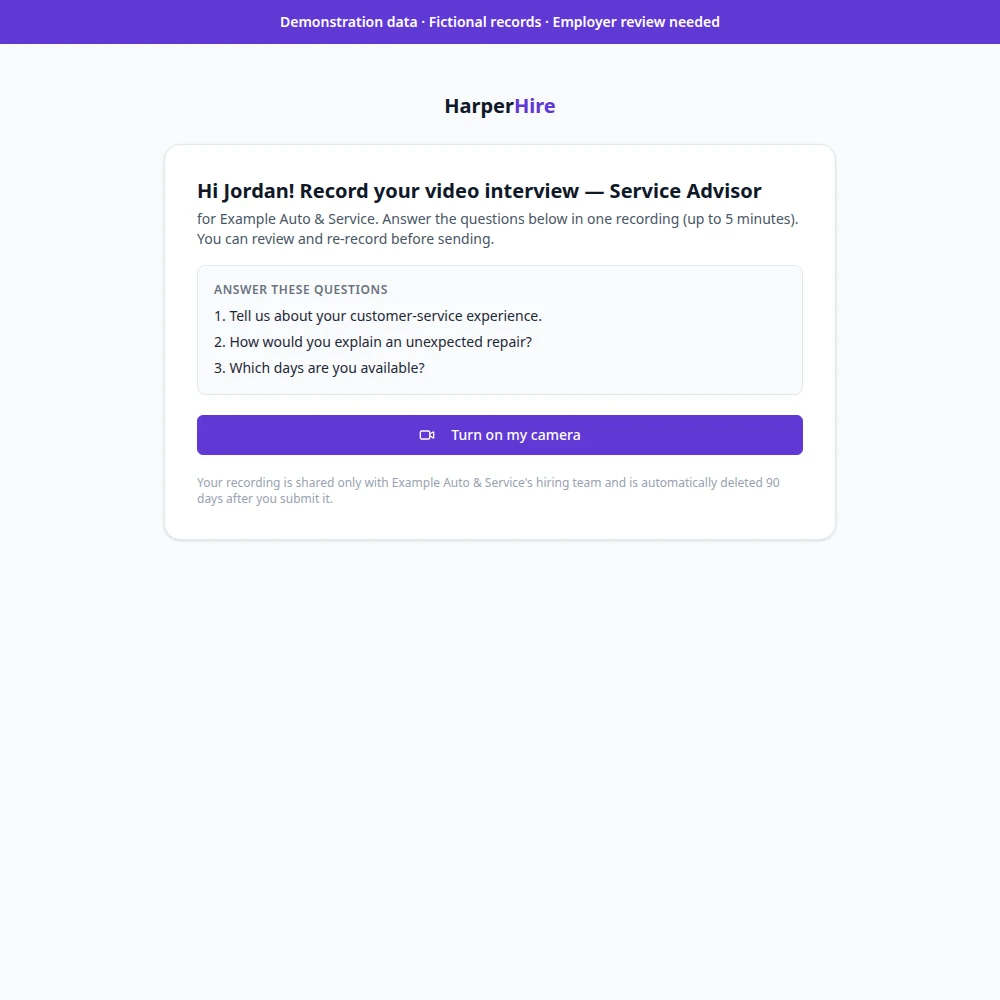
By phone, or by recording video answers from a phone or computer. Harper introduces itself as AI.
Pro and Managed Hiring add a dedicated phone number plus automated SMS and second interviews, subject to your configuration.
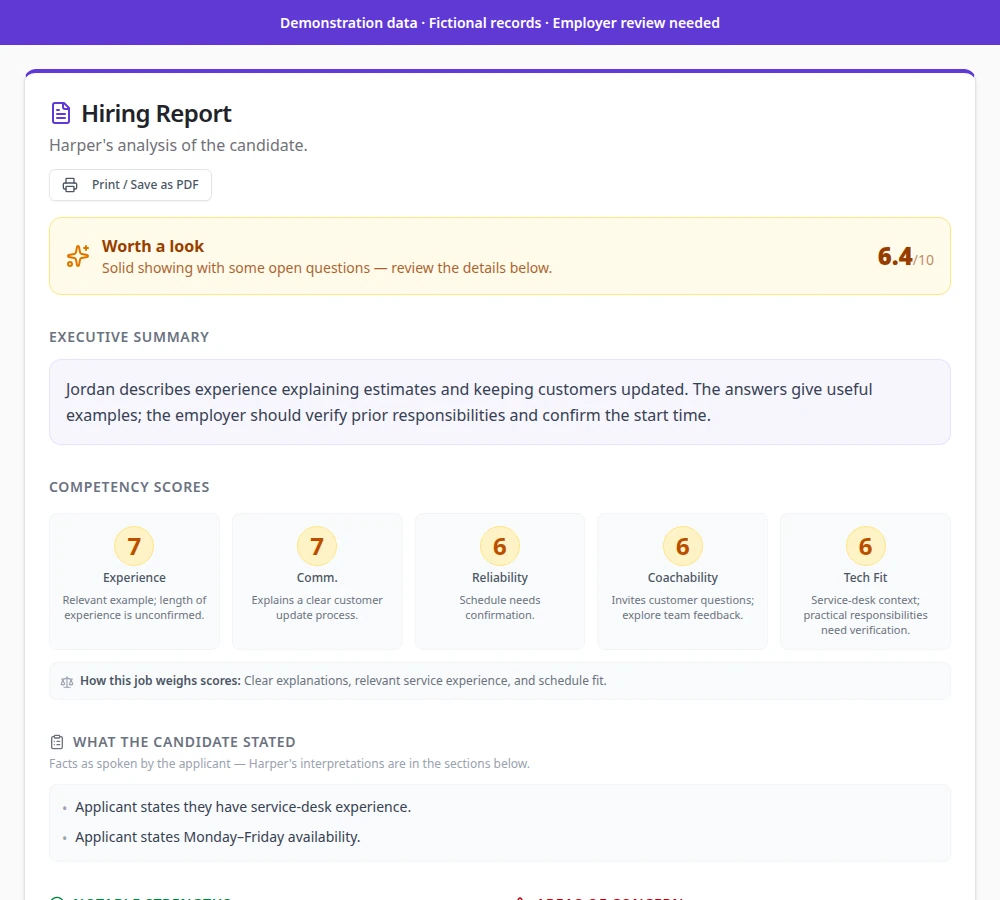
3. Review the report and transcript
Start with the summary and scores, then open the transcript for anything that matters.
4. Choose whom to meet
Compare applicants for the job and pick the people you want to talk to. Nothing happens automatically.
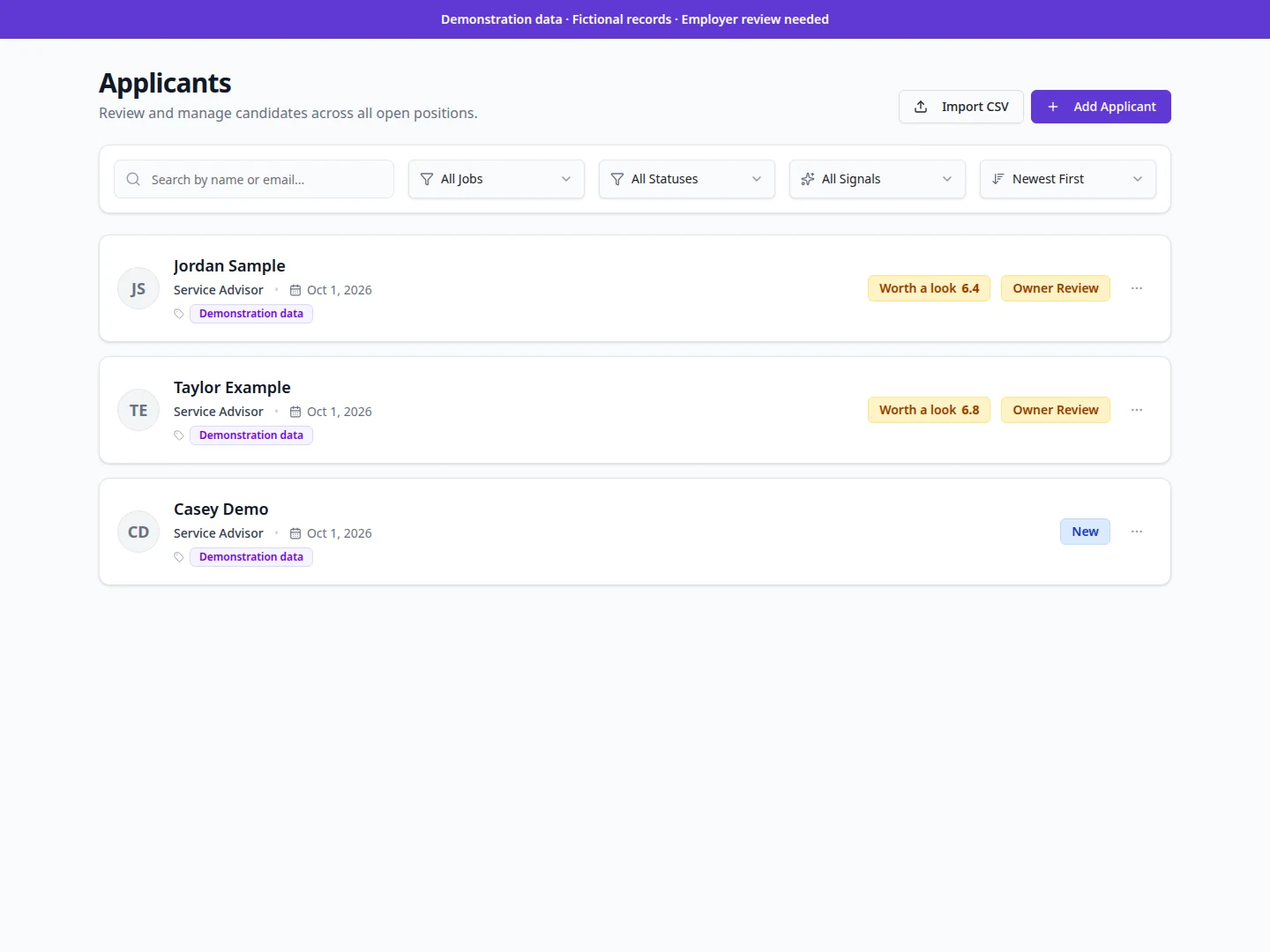
What the applicant goes through
Harper is an AI interviewer, and applicants are told so.
- They receive the invitation and open it when convenient.
- They interview by phone, or record video answers from a phone or computer.
- You review the answers. The employer, not the software, decides what happens next.
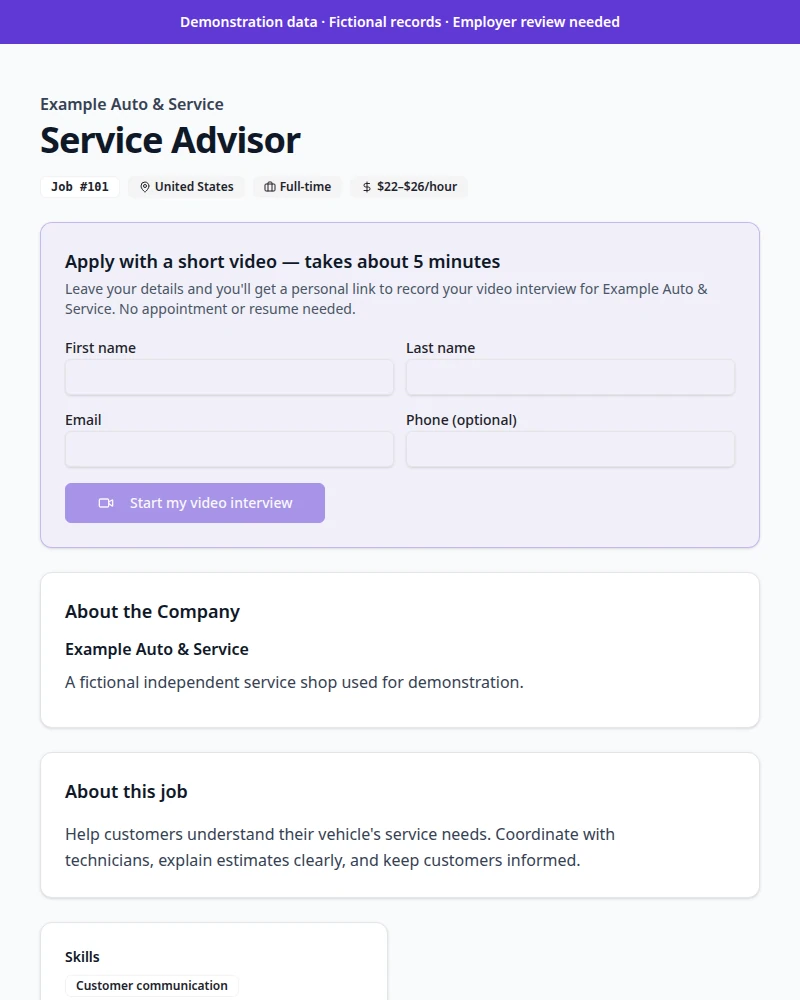
See HarperHire With Your Business in Mind
Start free to explore 3 demo jobs and 3 sample interviewed applicants tailored to your business. Live interviews start with a Starter subscription, and the hiring decision always stays with you.